







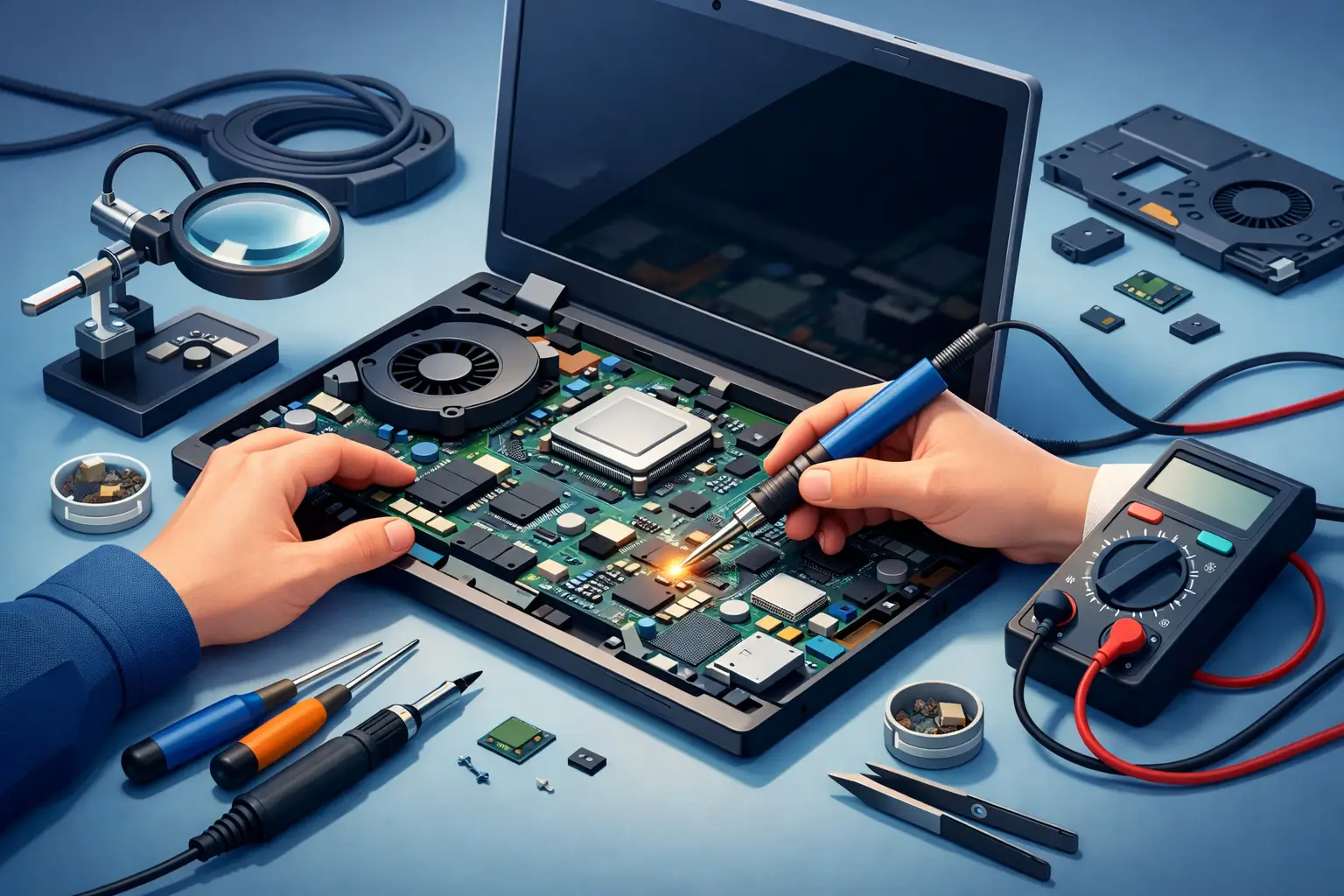
When a laptop suddenly stops charging, shows no display, overheats for no clear reason, or dies without warning, the problem is not always the battery or screen. In many cases, motherboard repair for laptop issues is the real solution. Since the motherboard connects power, storage, memory, ports, and critical components, even one damaged chip or shorted circuit can bring the whole device to a halt.
For most people, this is where frustration sets in. You need the laptop for school, work, meetings, records, or everyday family use, and now it feels like the entire machine is beyond saving. The good news is that a motherboard problem does not automatically mean you need a replacement laptop. In many cases, a skilled repair can restore the device, protect your data, and cost far less than buying new.
What motherboard repair for laptop devices actually means
A laptop motherboard is the main circuit board that allows all major parts to communicate. It manages power delivery, supports the processor and memory, connects the storage drive, and controls many onboard functions such as USB, audio, wireless connectivity, and charging. When it fails, symptoms can look random because the issue affects the system at its core.
Motherboard repair is not the same as swapping a keyboard, battery, or screen. It often involves board-level diagnostics, testing for short circuits, checking voltage rails, inspecting charging circuits, identifying failed chips, and repairing or replacing damaged components. Sometimes the issue is a burned capacitor or faulty charging IC. Other times, liquid damage or overheating has affected multiple areas, which makes the repair more complex.
That is why a proper diagnosis matters. Guesswork wastes time and money. A laptop that will not turn on may have a motherboard issue, but it could also be a damaged DC jack, failed RAM, corrupted BIOS, or power-related fault somewhere else in the system.
Common signs your laptop motherboard may be failing
Some motherboard problems are obvious. Others look like smaller issues at first. A laptop may power on with no image, restart repeatedly, fail to charge even with a good adapter, or shut down moments after booting. In other cases, certain ports stop working, the fan runs but the system never loads, or the keyboard and trackpad become unreliable because the board is no longer communicating correctly.
Liquid exposure is one of the most common causes. Even a small spill can start corrosion that spreads over time. A laptop might seem fine for a few days and then begin showing charging errors, overheating, or total power failure. Physical impact can also crack solder joints or damage internal layers of the board, especially in thinner laptops and MacBooks.
Power surges, cheap chargers, blocked vents, and long-term heat stress can also lead to failure. Not every motherboard problem happens all at once. Sometimes the warning signs build slowly, which is why early inspection can prevent a bigger repair later.
When repair makes sense and when it may not
This is where honesty matters. Not every motherboard is worth repairing, and a trustworthy technician should say so.
If the laptop is fairly recent, holds important data, or would be expensive to replace, repair often makes sense. Business laptops, higher-end ultrabooks, gaming systems, and Apple devices usually fall into this category. A successful board repair can extend the machine’s life and avoid the hassle of setting up a new device from scratch.
If the laptop is very old, already has multiple failing parts, or would cost almost as much to repair as replace, the better option may be replacement. The same applies when liquid damage is widespread and has affected too many circuits. In those cases, the smart move may be data recovery first, then planning for a new machine.
The right decision depends on the model, the age of the laptop, parts availability, and the exact fault on the board. That is why a real diagnostic should come before any repair recommendation.
How professional motherboard repair for laptop issues is handled
A proper repair process starts with testing, not assumptions. The technician checks the adapter, battery behavior, current draw, display response, and board condition. The laptop is opened, inspected for corrosion, burns, impact damage, and failed components, then tested with tools designed for board-level work.
If a fault is found, the repair may involve replacing a charging chip, repairing a damaged connector, reworking a failed component, cleaning corrosion, or restoring power to a specific circuit. In some cases, BIOS repair or firmware work is also part of the solution. The goal is to repair the actual failure point, not just replace parts until something works.
After the board is repaired, the laptop should be retested for charging, startup, temperatures, stability, and basic hardware function. This step matters because a laptop that powers on is not necessarily fully fixed. It needs to run reliably under normal use.
For local customers in Vaughan and nearby communities, working with a service provider that offers clear quotes, certified technicians, and a no-fix-no-fee approach can remove a lot of the uncertainty. Vaughan Computers takes that practical route because people need answers quickly, not technical confusion.
Repair vs motherboard replacement
Many people assume replacement is always better than repair, but that is not necessarily true. Laptop motherboards are often expensive, model-specific, and not always easy to source. On some systems, especially newer slim laptops, the board may also include the CPU and other integrated components. That pushes replacement costs much higher.
Repair can be the better value when the fault is limited to a specific component or circuit. It also helps preserve the original system configuration. On the other hand, replacement may be the better path when the board is physically cracked, heavily corroded, or damaged across multiple zones.
There is also the issue of time. Some replacement boards take days or weeks to source, while a board-level repair may be completed faster if the fault is straightforward. But the reverse can also be true if a complex diagnosis is needed. It depends on the laptop and the type of damage.
What affects the cost of repair
Motherboard repair pricing varies because not all failures are equal. A simple charging circuit repair is very different from severe liquid damage across multiple areas of the board. The laptop brand and model also affect cost, especially for premium systems with dense board layouts.
Labor is a major factor because this work requires specialized skill, equipment, and time. Microscopic soldering, tracing shorts, and testing power rails are not quick tasks. Parts may be inexpensive in some cases, but identifying and installing them correctly is where the real value is.
A transparent repair shop should explain whether the quote covers diagnosis, labor, board work, and post-repair testing. Customers should not be left guessing about hidden fees or vague next steps.
Why fast action matters after liquid damage or power failure
If your laptop has had a spill, do not keep trying to turn it on. That can make the damage worse. Power should be disconnected as soon as possible, and the device should be inspected quickly. Corrosion can spread, and a board that might have been repairable early on can become much harder to save after repeated power attempts.
The same goes for sudden power loss, burning smells, or visible heat around the charging area. These are not wait-and-see problems. Fast diagnostics can make the difference between a focused repair and a total board failure.
For students, remote workers, and small businesses, downtime is often the biggest cost. A laptop is not just a device. It holds files, credentials, communication tools, and daily workflow. Getting it checked early can reduce both repair complexity and disruption.
Choosing the right repair shop
Motherboard work should be handled by a shop with real board-level experience, not one that only replaces standard parts. Ask whether they perform component-level diagnostics, whether they provide upfront quotes, and whether they stand behind the repair process. Clear communication matters just as much as technical skill.
A reliable local shop should also understand urgency. People need same-day answers when possible, realistic timelines when repairs are more complex, and honest guidance when replacement is the smarter choice. That kind of service builds trust because it respects both your time and your budget.
If your laptop is showing signs of motherboard failure, the best next step is simple: get it diagnosed before the problem gets worse. A careful repair can often bring the device back to life and save you from replacing a machine that still has plenty of value left.