







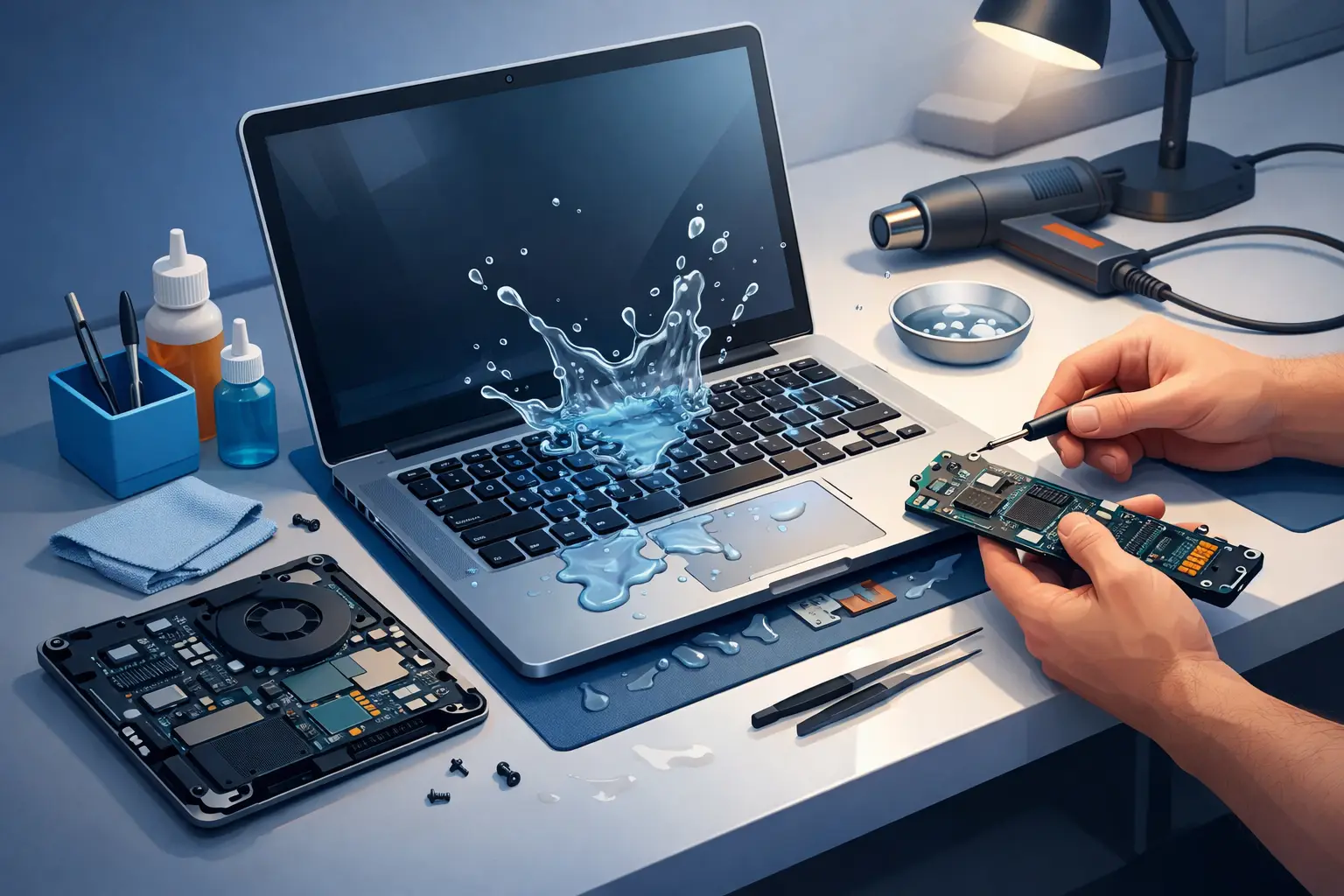
A spilled coffee rarely looks serious in the first five seconds. Then the screen flickers, the keyboard stops responding, or the laptop shuts off completely. That is when liquid damage laptop repair stops being a future problem and becomes an urgent one.
For most people, the real concern is not just the device. It is the files, emails, schoolwork, business records, and everyday access tied to that laptop. The good news is that liquid damage does not always mean total loss. The bad news is that waiting too long, turning it back on, or trying the wrong fix can make a repair far more expensive than it needed to be.
What liquid damage actually does to a laptop
Liquid damage is rarely about the spill alone. The real damage happens after the liquid reaches powered components and starts causing short circuits or corrosion. Water is one problem. Coffee, juice, soda, wine, and sugary drinks are usually worse because they leave residue behind, and that residue keeps causing trouble even after the surface looks dry.
A laptop has tightly packed internal parts, including the keyboard layer, battery connections, motherboard, charging circuit, storage, and display connectors. Once liquid gets inside, it can travel further than most people expect. It may seep under chips, sit inside connectors, or remain trapped in places that air drying will not fix.
That is why some laptops seem fine right after a spill, then fail hours or days later. Corrosion keeps working in the background. A machine that powers on today can still develop keyboard issues, charging faults, random shutdowns, or complete motherboard failure later.
What to do before liquid damage laptop repair begins
The first few minutes matter. If the laptop is still on, shut it down immediately. Do not keep testing it to see if it still works. Every extra second of power can increase the chance of shorting key components.
Unplug the charger and disconnect any accessories. If the battery is removable, take it out. If it is an internal battery, do not force the laptop open unless you know exactly what you are doing. Tilt the device so excess liquid can drain away from the keyboard and mainboard, then place it on a dry surface.
One common mistake is reaching for a hair dryer or putting the laptop in rice. Warm air can push moisture deeper into the device, and rice does not remove residue from internal circuits. Even if the outer shell feels dry, the damage inside may still be active.
If the spill involved anything sugary, acidic, or creamy, speed matters even more. Those liquids leave deposits that continue to interfere with connections and components. In those cases, professional cleaning and diagnostics are not optional if you want a real chance at saving the device.
Signs the damage is minor – and signs it is not
Some spills affect only the keyboard area. Others reach the motherboard, screen cable, battery line, or storage. A quick assessment can help set expectations, but liquid damage is one of those issues where symptoms can be misleading.
A laptop that will not charge, turns on with no display, types the wrong keys, shows trackpad problems, or shuts off under light use may have deeper board-level damage. On the other hand, if only a few keys are sticking and the rest of the system seems stable, the repair may be limited to the keyboard or top case.
Still, appearances are not enough. A laptop may boot normally while corrosion is already forming near power circuits. That is why a proper diagnostic is worth it. The goal is not just to get the machine running for one day. It is to find out whether it can be repaired reliably.
How professional liquid damage laptop repair is done
A proper repair starts with opening the device and inspecting the affected areas. Certified technicians look for corrosion, residue, burned components, damaged connectors, and signs that liquid has traveled beyond the original spill point.
From there, the repair process depends on what was hit. Some laptops need a deep internal cleaning and reassembly. Others need keyboard replacement, battery replacement, charging port work, or motherboard repair. In more serious cases, technicians may need to isolate damaged circuits and replace failed board-level components.
This is where experience matters. Liquid damage can create multiple faults at once. A charger issue may actually be tied to corrosion near the power rail. A dead keyboard may be only one part of the problem. Reliable repair means identifying the full path of damage instead of replacing parts one by one and hoping for the best.
At a local repair shop such as Vaughan Computers, the value is not just the repair itself. It is the speed of diagnosis, clear communication, and straightforward advice on whether the laptop is worth fixing based on age, condition, and replacement cost.
Repair or replace? It depends on the laptop
Not every liquid-damaged laptop should be repaired. That is the honest answer. If the device is older, already slow, or has multiple failing parts, the repair cost may not make financial sense. If the laptop is newer, high-performance, or stores important business data, repair is often the better value.
For many customers, the decision comes down to three things: total repair cost, likelihood of long-term stability, and the value of the data on the machine. A premium business laptop or MacBook may absolutely be worth saving. A budget model with severe motherboard damage may be better replaced after the data is recovered.
This is where upfront quotes and no-fix-no-fee policies matter. They remove the guesswork. You should know what the issue is, what the likely fix involves, and whether it is practical before committing money to the job.
Why fast service matters for homes and small businesses
Laptop downtime is disruptive enough at home. For a small business, it can mean missed appointments, delayed invoices, lost files, or employees sitting idle. Speed is not just a convenience in liquid damage cases. It can affect whether the machine is repairable at all.
Same-day assessment can make a real difference because corrosion gets worse with time. Fast service also helps reduce the risk of customers trying unsafe home fixes that complicate the repair. The sooner the laptop is professionally cleaned and tested, the better the chances of saving both the hardware and the data.
That matters for students, remote workers, families, and business owners across Vaughan, Woodbridge, Kleinburg, Maple, and Nobleton. Most people do not have days to wait and hope for the best. They need a clear answer and a practical next step.
Can data still be recovered after a spill?
Often, yes. Even when the laptop itself is not worth repairing, the data may still be recoverable. That is one of the most important points people miss after a liquid accident.
If the storage drive was not directly damaged, files can sometimes be transferred even when the laptop will not power on. If the damage is more serious, advanced recovery options may still be possible depending on the drive type and extent of the exposure. This is another reason not to keep pressing the power button. Repeated power attempts can turn a repairable problem into a data loss situation.
If the laptop contains business records, family photos, tax files, or school projects, mention that immediately during intake. Data protection should be part of the repair plan from the start, not an afterthought.
How to lower the risk next time
No one plans to spill a drink on a laptop. Still, a few habits can reduce the odds of a repeat problem. Keep liquids off the same surface when possible, use a stable desk setup, and back up important files regularly. For business users, routine backups matter just as much as the repair itself.
Protective keyboard covers can help in some cases, but they are not a guarantee, especially if liquid enters through side vents or openings. Good habits and regular backups are still the best protection.
When to get help
If liquid touched your laptop, do not wait for obvious failure before acting. Even a device that seems normal can be developing internal corrosion. A professional inspection gives you a real answer, not a guess.
Fast, local repair service matters because convenience often decides whether people act quickly or put it off. The best outcome usually comes from immediate shutdown, no risky home remedies, and a technician who can assess the damage properly.
A spilled drink does not always end the life of a laptop. With the right response and a repair team that works quickly, there is often a path to saving the device, the data, or both.